

Viewranger is the app I use whilst out and about on the hills, mapping and navigation my primary usage.
Viewranger website.
With my daughter turning 3 and looking for something to do that’d keep her interested whilst out and about………Geocaching!

Geocaching website.
I took part in Geocaching as a training platform to familiarise myself with a new GPS many years ago for off road driving. It involved downloading GPX files to my PC (easyGPS ) then again transferring to my GPS,a drawn out process.
Having Viewranger on my mobile device ( iPhone 5s) gives me access to the maps I own. Points of interest such as Geocaches can be added manually, again a slow process.
Viewranger files can be stored and shared in Dropbox available within the app. Available to share and upload/download.
Not sure if this the easiest way for transferring caches from Geocaching to Viewranger but it works for me as far as plotting goes, no manual input required.
Step 1.
Find cache on website.

Step 2.
Open detail.
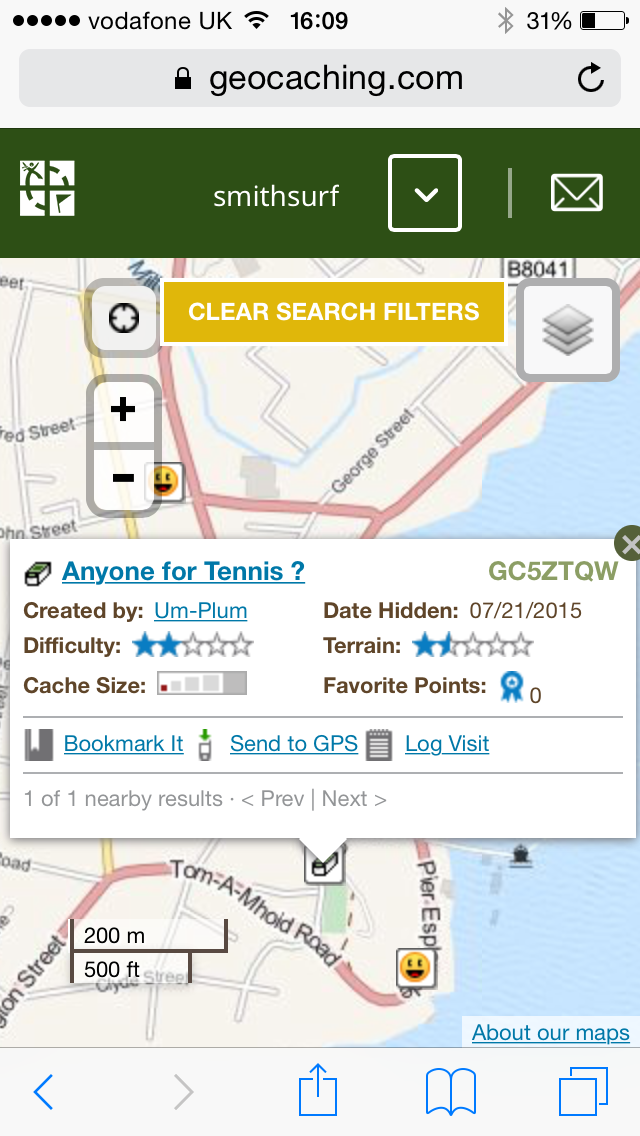
Step 3.
Click on Cache name for additional data.

Step 4.
Click Loc waypoint file (GPX file is greyed out and unavailable) ?
Step 5.
Choose open in Dropbox ( account should be have been created and logged into prior to transfer ).

Step 6.
Create and store in Viewranger file, amend file name to one you’ll recognise.

Step 7.
File now appears on list.

Step 8.
Open Viewranger, when in maps goto Settings then Import/export and select Dropbox.


Step 9.
File will be available to open and import.


Step 10.
Cache should appear on map.

Job done. Easy to one repeated a few times. 👍

 Explore Cowal